

Table of Contents
- Fundamentals
- Basic Flow - Connect, Auth, Subscribe
- Streams - FX and Metals
- JSON Message Format & Examples
- Limitations, Message Volumes
- Examples, Demos, Code Snippets & Client Libraries
- WebSocket Playground
- JSFiddle (JavaScript) Example
Fundamentals
Basic Flow - Connect, Auth, Subscribe
- Connect to
wss://fastforex.wsdx.io(and receive aconnectmessage from the server) - Send an
authmessage with your API key (get a free API key here) - Send a
subscribemessage naming the stream you want, plus the desired pairs or instruments
Streams - FX and Metals
The same connection serves both FX trading pairs and metals instruments. You choose which by settingstream on your subscribe message.
Everything else works identically across the four - the same
auth flow, the same message shapes, and the
same price payload. Only the stream value and the symbols you subscribe to change.
Use the symbols from /metals/instruments for the metals streams, and
/fx/pairs for the FX streams.
You can subscribe to more than one stream on a single connection - send a subscribe message for each.
Access is granted per stream. If your plan does not include a stream, subscribing to it returns a 403
with No access to requested stream.
JSON Message Format & Examples
Messages are sent and received in JSON format. All messages have anop field, which indicates the operation type.
Messages from the server (“downstream”) will usually contain
- a
statusfield, which indicates the success or failure of the operation. - We follow HTTP status codes for this. e.g.
200= success,401= not authenticated, etc. - a
tspfield which indicates the timestamp of the message in milliseconds since epoch (Unix time).
Upstream (sent to the WebSocket server)
AuthDownstream
Connect (sent by server on connect)sym
Limitations, Message Volumes
Depending on your subscription plan, you may be limited on the number of concurrent WebSocket connections you can make, and to the maximum number of pairs per connect. Our standard offering allows for 2 connections and up to 5 pairs per connection. Contact us for higher limits. The symbol allowance is shared across streams on a connection - FX pairs and metals instruments count towards the same total. Subscribing to 5 FX pairs on a 5 symbol plan leaves no room for metals on that connection. Use a second connection, or spread your symbols across both. Subscribing beyond your allowance does not fail outright. The server subscribes you to as many symbols as it can and replies429 with Capping concurrent symbols, so check the status on your subscribe response.
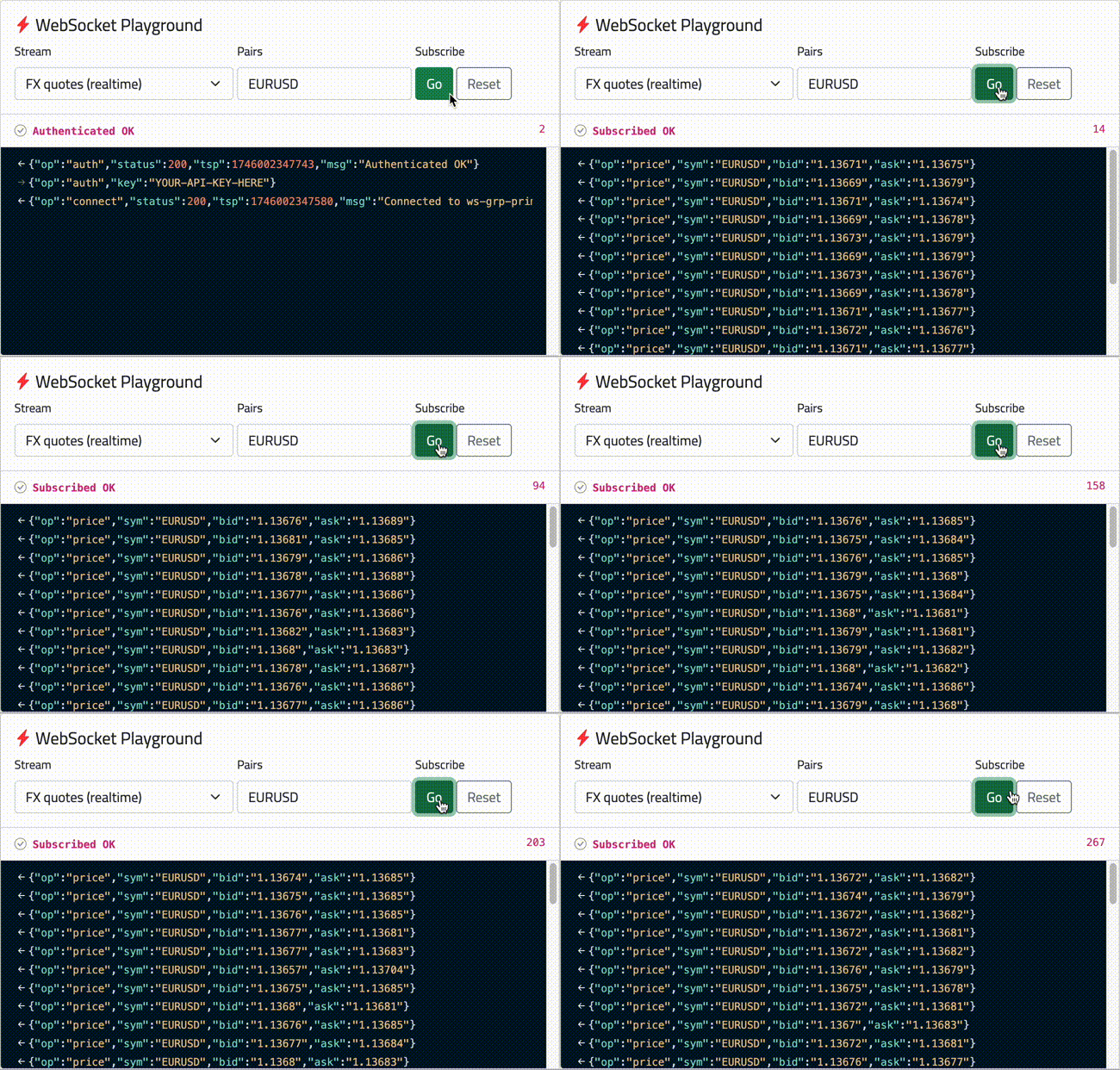
Warning - High Message Volume Popular pairs such asEURUSDcan generate a lot of messages at peak times - up to hundreds of messages per second. Your application should be able to handle this. Connections may be closed if you cannot consume at the publish rate. Depending on your application needs, when sending yoursubscribemessage, you can choose to use thefx1sormetals1sstreams, which will produce at most one message per second, per subscribed symbol.